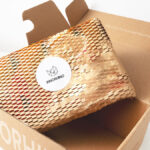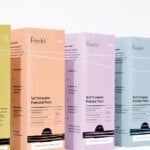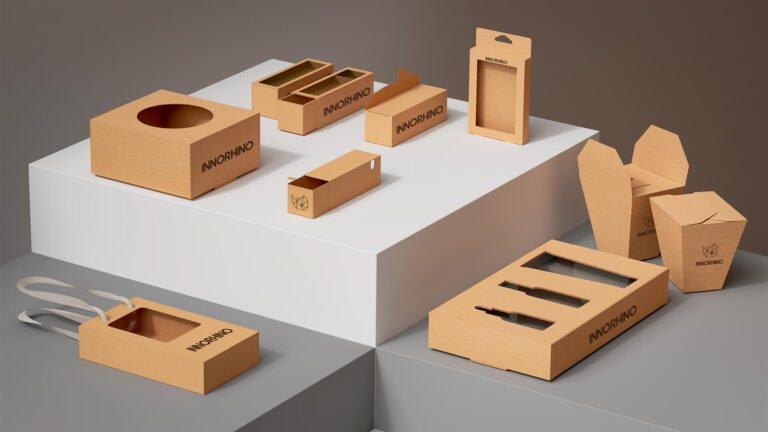
I’m launching a product and need packaging. Where should I start, and what should I decide first?
Start with the product and the sales channel before thinking about artwork. Lock down the product’s size, weight, fragility, and where it will be sold, then choose a structure and material that protect it through that route. Graphics come next, and a physical sample should confirm fit, color, and shipping performance before you commit to mass production.
Retail products usually need more design investment in secondary packaging, while e-commerce brands may need the shipping box to carry the brand as well. The main trade-off is between visual impact and production cost, so confirm quantities and target budget early. Before mass production, approve a pre-production sample against the final artwork.
Introduction
Packaging design decides how a product is protected, how it reads on a shelf or in a shipping box, and what it costs to produce at scale. For a first-time brand, these goals often pull against each other. The most striking concept can be the hardest to manufacture, and the lowest-cost structure can make a good product look ordinary.
If you are working out how to design packaging for your first product, this guide covers what to understand before you talk to a designer or manufacturer: what product packaging design includes, how primary, secondary, and tertiary packaging divide the work, which elements matter most, and a five-step path from product brief to production.
Understanding Packaging Design
What Is Packaging Design?
Packaging design defines a product’s outer form: structure, materials, size, graphics, typography, and finishes. It has two jobs that must work together. The package has to protect the product through shipping and handling, and it has to tell buyers what the product is and which brand it belongs to. When a design handles only one of these jobs, the gap shows up later as damage claims or as a box that disappears on the shelf.
Primary, Secondary, and Tertiary Packaging Explained
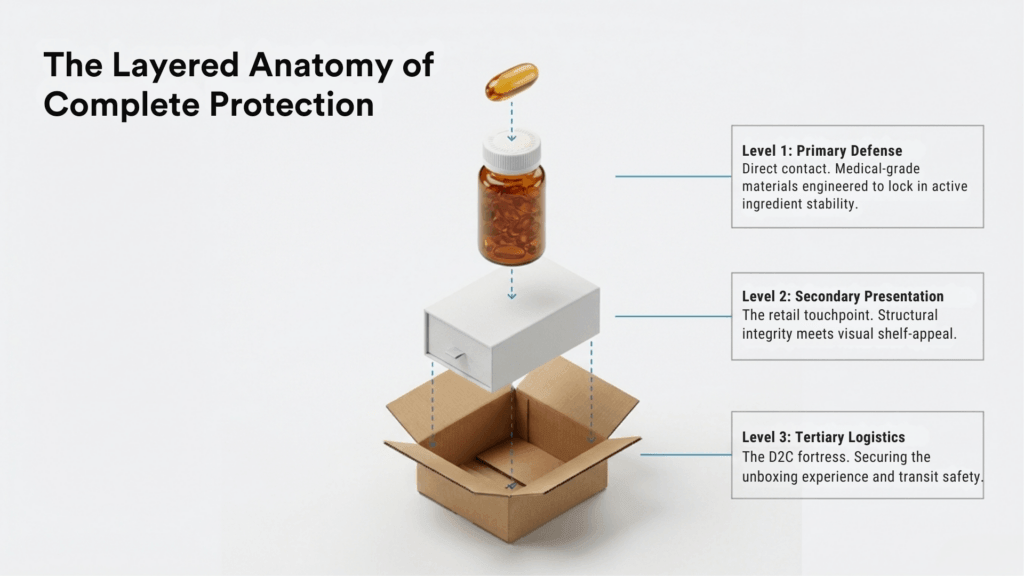
Most products travel in up to three layers. Each has a different job, and deciding early which layers carry your branding helps you spend the budget where buyers will actually see it.
| Layer | What it does | Typical examples | Who sees it |
|---|---|---|---|
| Primary | Holds and protects the product directly and carries core product information | Bottle, jar, pouch, blister, candy wrapper | End users, every time they use the product |
| Secondary | Groups or presents primary units and does most of the selling at retail | Folding carton, gift box, multipack sleeve | Shoppers on the shelf or at unboxing |
| Tertiary | Protects bulk quantities in storage and freight | Master shipping carton, stretch-wrapped pallet | Warehouse and logistics teams, and e-commerce customers when the shipper is the delivery box |
1. Primary Packaging
This is the layer that touches the product, such as a bottle, jar, pouch, or candy wrapper. It carries the core product information and is the part the end user handles most.
2. Secondary Packaging
This layer holds one or more primary units, such as a folding carton around a serum bottle or a box holding several cans. It adds protection and does most of the selling on a retail shelf.
3. Tertiary Packaging
This layer handles bulk storage and freight, such as master shipping cartons and pallets. Buyers rarely see it, so the priorities are strength, stacking, and efficient use of space in a truck or container. For e-commerce brands, the shipping box may also be the first thing a customer opens, which changes how much design attention it deserves.
Related Article: A Beginner’s Guide to Corrugated Box Flutes, Board Types, and Packaging Strength
Key Elements of Effective Packaging Design
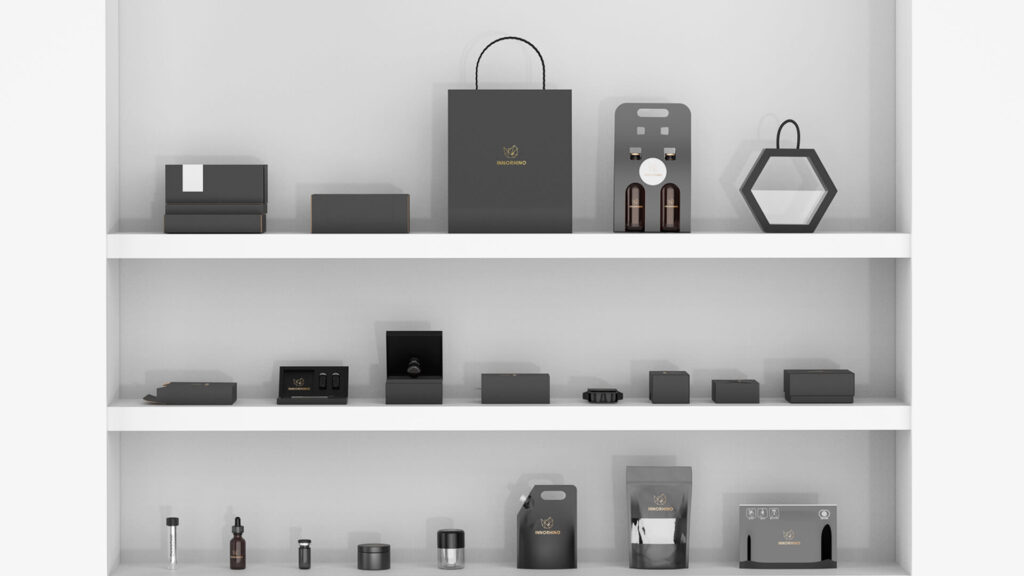
1. Product Protection
Protection comes first, because a damaged product cancels everything else the package does. The right material depends on the product’s weight, fragility, and shipping route: glass or rigid plastic for liquids, corrugated board for transit, and inserts for items that can shift inside the box. Test with the real product rather than relying on a spec sheet alone.
2. Brand Identity and Recognition
Your packaging should be recognizable as yours at a glance. That comes from consistent decisions on logo placement, color, typography, and imagery, applied the same way across every SKU. A consistent system also makes it easier to add products later without redesigning the whole line.
Case Study: Shen Yueh Yun Tea Packaging Design ep.1
3. User Experience and Convenience
How a package opens, closes, and stores shapes how people feel about the product inside. Resealable closures, tear strips, and clear usage instructions reduce frustration. Each feature also adds tooling or material cost, so choose the ones your product and customer actually need.
Related Article: What Is CMF and Its Role in Packaging Design?
4. Sustainability and Eco-Friendly Materials
More buyers and retailers now ask about recyclability, and some markets regulate packaging materials directly. Recyclable, recycled-content, or reusable options can support your brand story, but the choice should also account for protection, print quality, and the recycling systems that exist where you sell. A recyclable material that fails in transit adds waste through damaged goods and reshipments.
Related Article: EU PPWR Compliance for US Brands: What Applies Now and What Comes Next
Step-by-Step Guide to Creating Great Packaging

Step 1: Define Your Product and Target Audience
Start with the facts the package has to work around: dimensions and weight, fragility, shelf life, storage conditions, and where the product will be sold, whether on a retail shelf, online, or both. Then define who buys it and what they expect to pay. These inputs determine structure and material long before anyone chooses a color.
Related Article: Product Packaging Guide: How to Choose Packaging That Holds Up in Production and Shipping
Step 2: Research Competitor Packaging
Collect packaging from the brands your buyers compare you with, both in stores and online. Note what they all do the same way, since that often reflects category expectations, and where there is room to stand apart. The goal is packaging that fits the category and is still easy to pick out.
Step 3: Develop a Packaging Concept
With the brief in place, a designer can develop structure and graphics together. The structure is drawn as a dieline, artwork is laid out on it in tools such as Adobe Illustrator, and 3D mockups let you review the design before anything is printed. At this stage, focus on:
- Color choices that fit both your category and your brand
- Typography that stays readable at the actual print size
- A clear hierarchy for the product name, key benefit, and required information
Related Article: 5 Common Dieline Mistakes That Cause Supplement Packaging Failures
Step 4: Conduct Testing and Feedback
Physical samples show what a screen cannot: color shift on the actual board, how the box closes, and whether the product fits. Ship a few samples through your real channel, open them the way customers will, and ask a small group of target buyers for feedback before you lock the design.
Step 5: Finalize and Start Production
Before mass production, approve a pre-production sample or proof that matches the final artwork and materials. Agree on quality checks for color, dimensions, and assembly, so every batch matches the sample you signed off on.
Related Article: Custom Packaging Design and Manufacturing: From Prototype to Production
See how we can help: Packaging Consulting
Frequently Asked Questions (FAQs)
What software is used for packaging design?
How does sustainable packaging affect how buyers see a brand?
What is a dieline in packaging design?
Related Article: What Is a Dieline? A Packaging and Printing Guide for Brands
Take Your Packaging to the Next Level
Good packaging balances protection, brand recognition, and a production cost you can sustain as volume grows. If you are still choosing a direction, start by writing down your product specs, sales channels, and target quantity. If you already have a design or dieline, share it with your quantity and launch timeline, and we will recommend a practical next step for sampling and production.
If budget is the open question, our Packaging Pricing Guide explains what goes into a custom packaging quote.
Talk with us. Let’s shape it together.